Your Digital Life.
Encrypted. Sovereign. Offline.
Quigta Vault protects your logins, identity documents, bank cards, and private notes with hardware-backed AES-256 GCM encryption on your device. No cloud leaks. No recurring subscriptions. Pure security.
Hardware Encrypted
AES-256-GCM Authenticated
100% Offline Vault
Zero Cloud Server Exposure
Built Like a Digital Fort Knox
Traditional password managers store your encrypted master keys in the cloud, leaving you vulnerable to breach and server outages. Quigta Vault eliminates cloud risks altogether.
Zero-Knowledge Offline
Your vault data never leaves your physical device. There are no remote databases, analytics engines, or trackers. If someone subpoenas us, we have zero data to give.
Hardware-Backed Keystore
Cryptographic master keys are generated and bound inside Android's Secure Enclave / StrongBox hardware, rendering keys impossible to extract via memory dump or malware.
Biometric Access Control
Unlock in a fraction of a second with your fingerprint or biometric face sensor. Automatic configurable timeout policies lock your vault the instant you step away.
All-in-One Digital Vault
Not just passwords! Securely store government IDs, driver's licenses, passports, payment cards, CVVs, bank credentials, and confidential PDF documents.
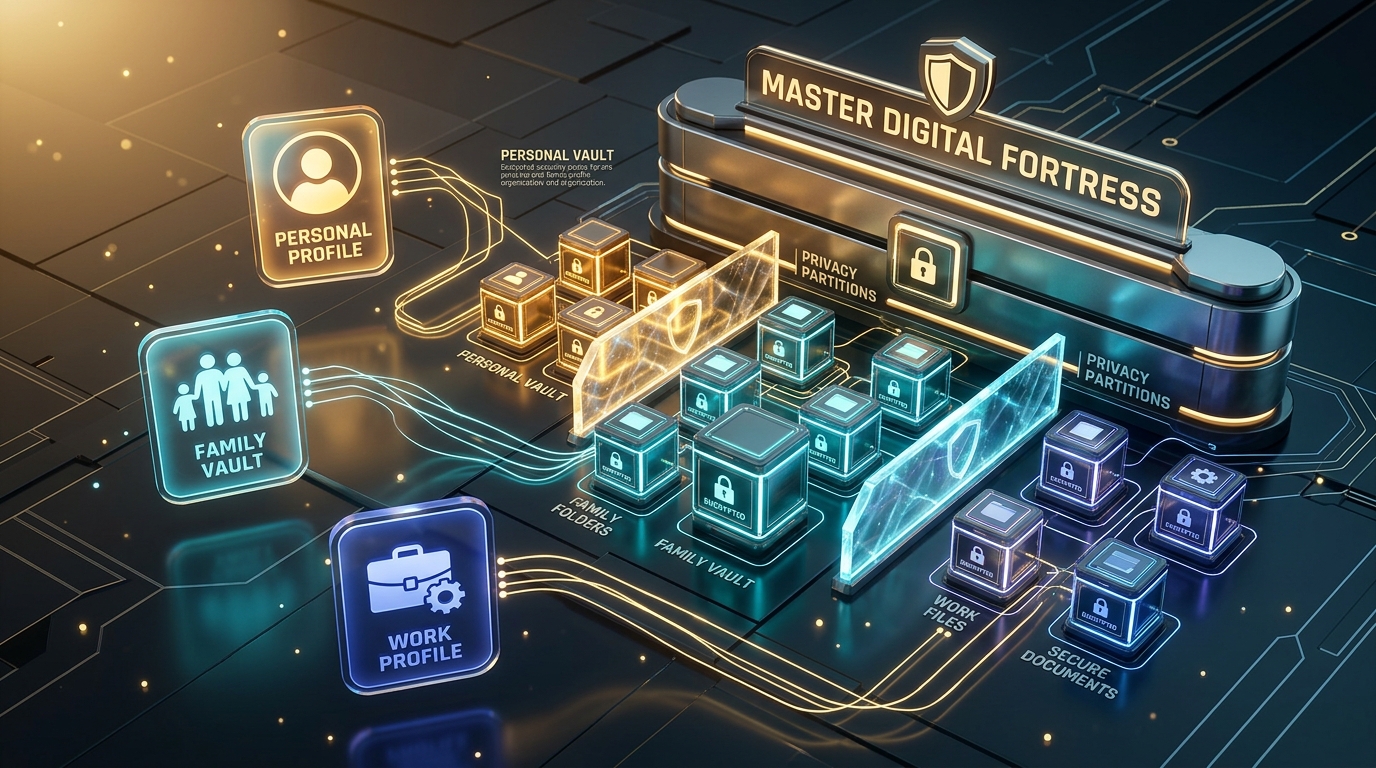
Personal & Family Profiles
Organize items by Personal, Family, or Work with custom owner tags and intuitive filtering. Keep shared family credentials neatly separated from work accounts.
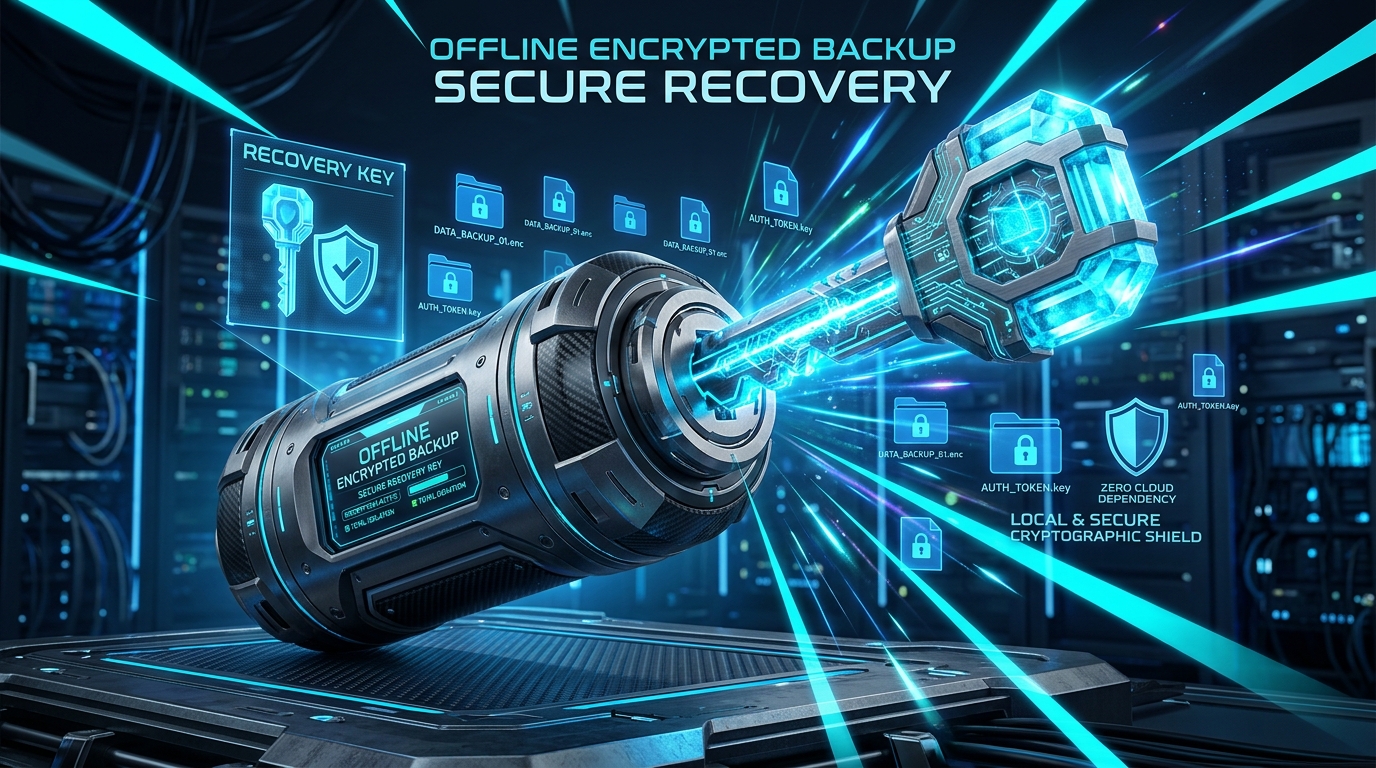
Encrypted Offline Backup
Generate portable, password-encrypted backup archives anytime. Store them on your USB drive or personal cloud with complete confidence.
A Complete Vault for Everything You Value
Experience an ultra-modern, fluid native Android design engineered specifically for ease of use, instant autofill, and impenetrable safety.
Smart Password & Login Manager
Say goodbye to weak, repeated passwords. Quigta Vault generates high-entropy, uncrackable credentials on demand, monitors password health, and stores custom fields.
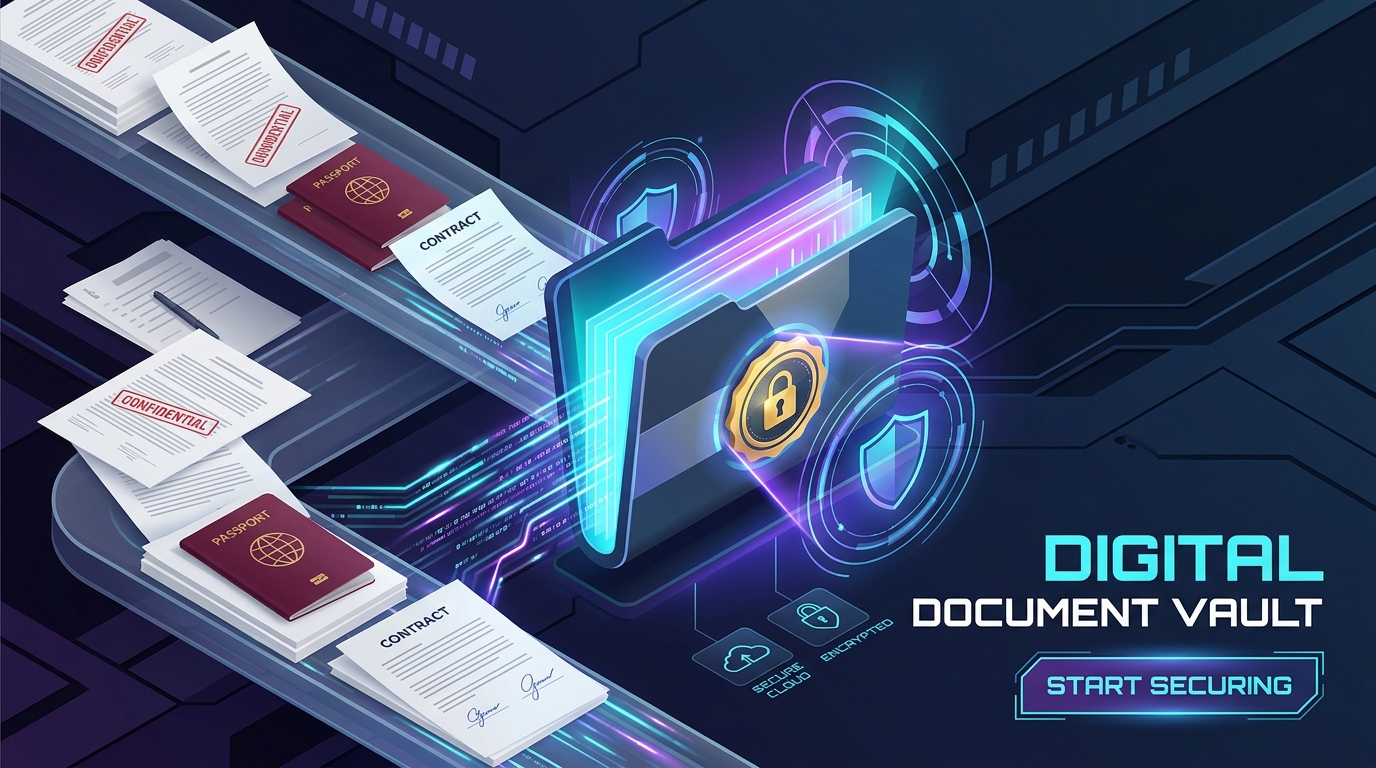
Encrypted Digital Document Safe
Store your sensitive physical documents digitally with zero worry. Identity cards, driving licenses, passport photos, tax returns, and PDFs are encrypted and rendered in a secure sandbox.
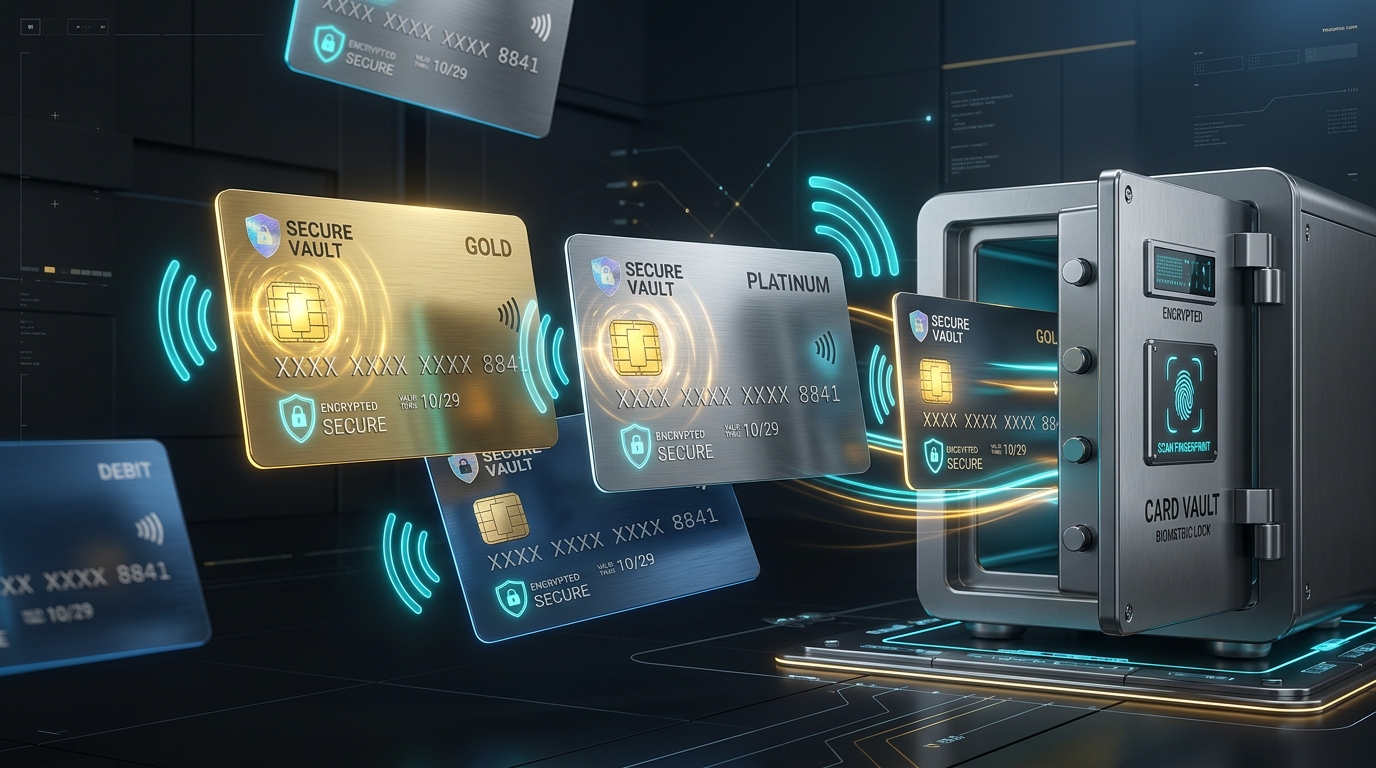
Credit Cards & Bank Accounts
Keep your financial data under lock and key. View credit card numbers with quick copy and reveal CVV only when authenticated via biometric tap.
Personal, Family & Work Organization
Free-text owner categorization allows you to assign any item to Personal, Family, Work, or specific loved ones without rigid predefined structures.
Offline Encrypted Backup & Recovery
You own your backup files. Export an AES-256 encrypted archive and store it wherever you trust — on an SD card, external drive, or your personal Google Drive.
Test & Generate Uncrackable Passwords
Experience how Quigta Vault evaluates entropy and calculates resistance against supercomputer brute-force attacks in real time.
Entropy Diagnostics
Entropy measures the randomness and unpredictability of a password in bits. The higher the entropy, the harder it is to crack.
Inside Quigta Vault
Explore high-resolution screenshots from our official release. Designed with fluid Material 3 components, 17+ adaptive themes, and ultra-crisp typography.
Military-Grade Encryption
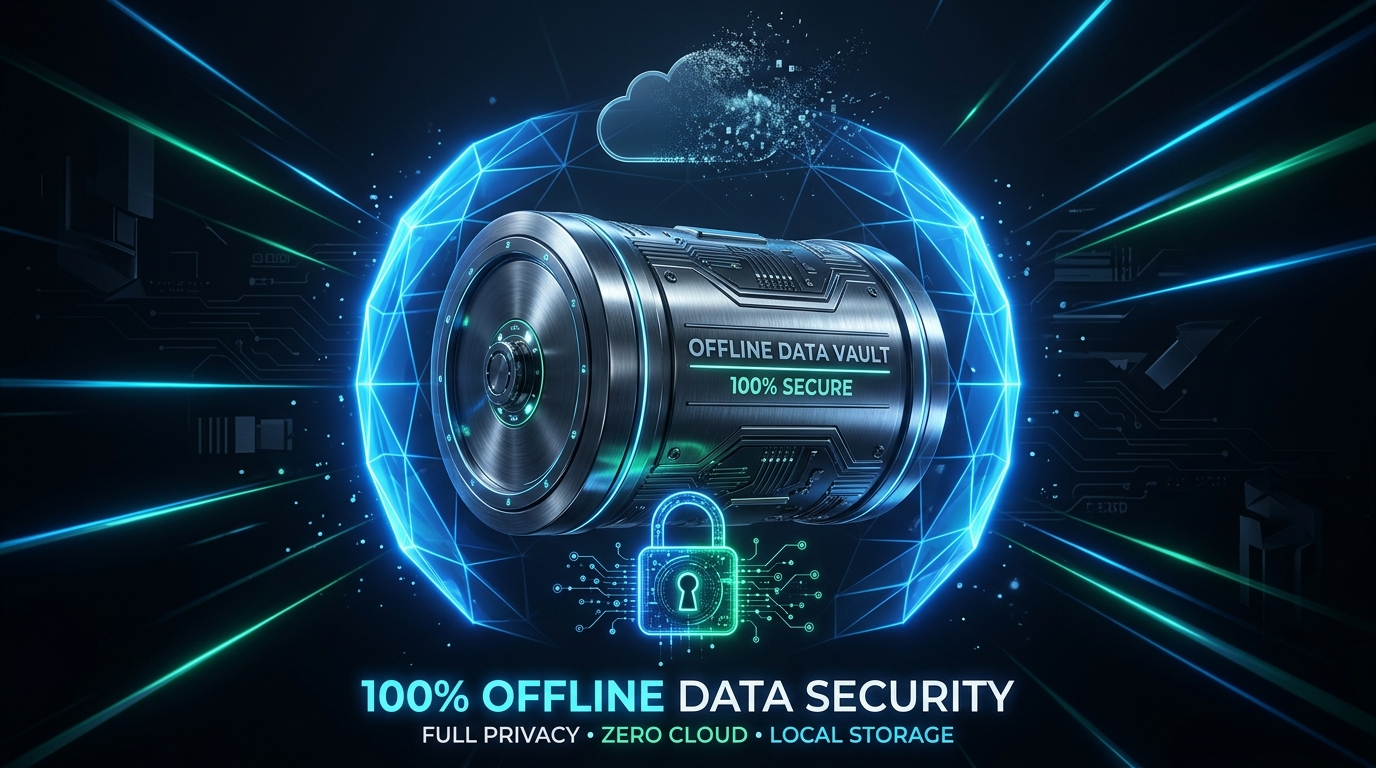
100% Offline Security
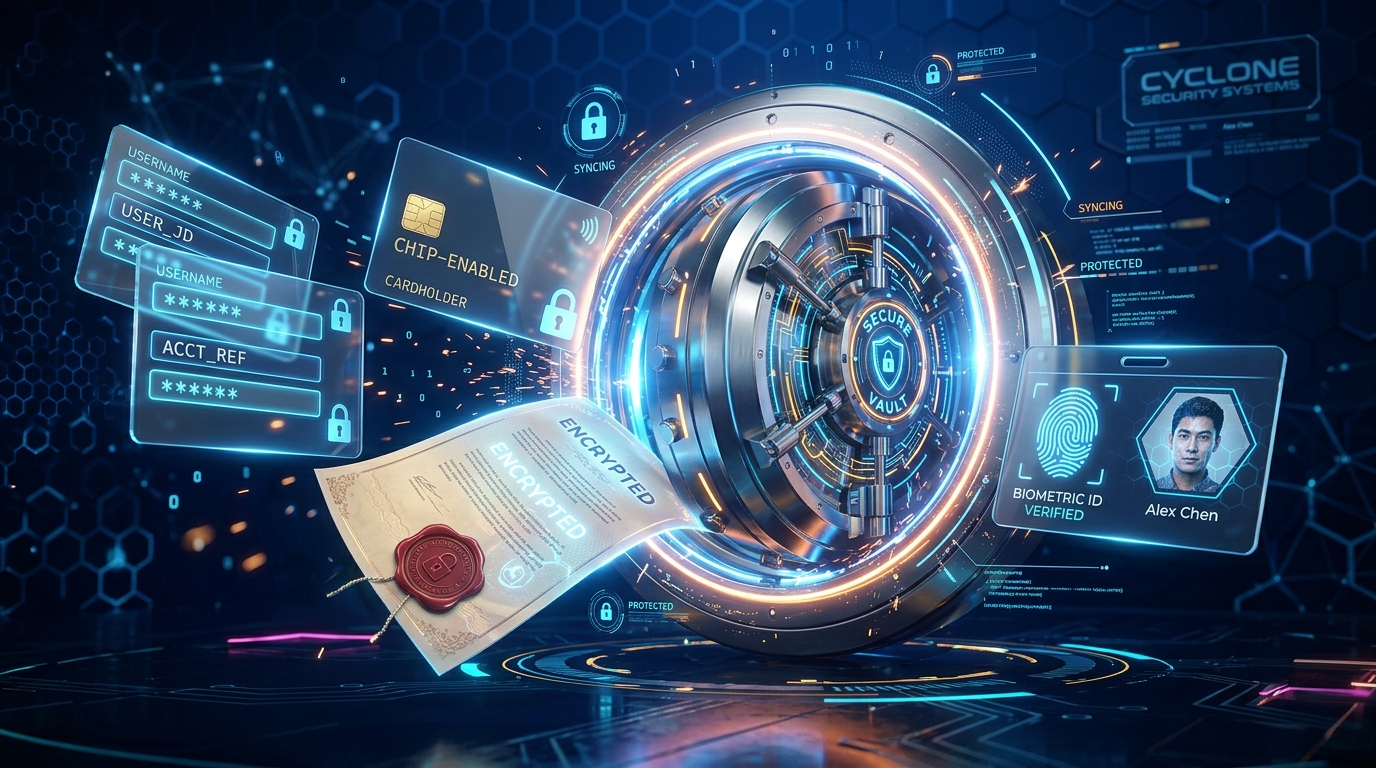
All-In-One Hub
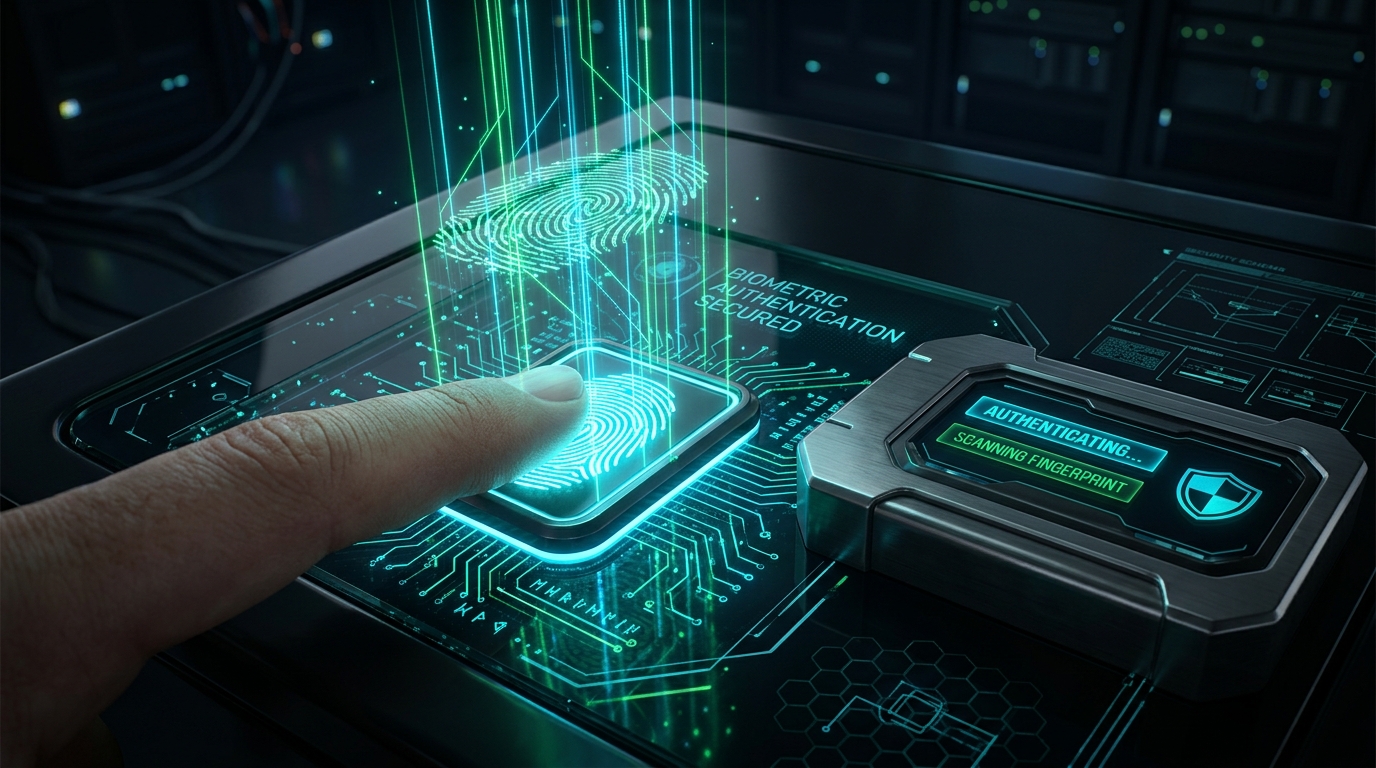
Biometric Hardware Lock
Digital Document Safe
Payment Cards Vault
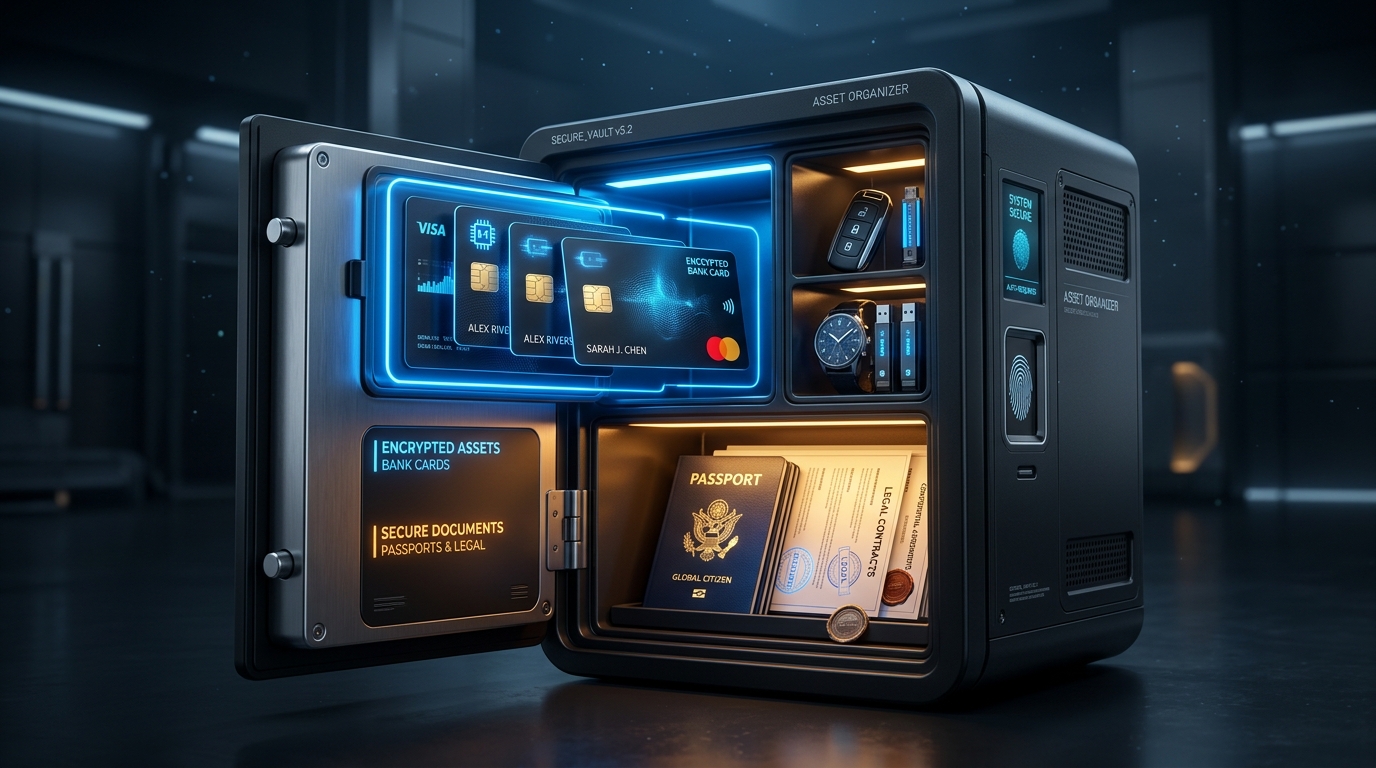
Cards & Docs Organizer
Password Generator
Encrypted Backup & Restore
Family & Personal Profiles
Why Cloud Password Managers Fall Short
Major cloud services have suffered catastrophic breaches and credential exposures. Here is why zero-knowledge offline architecture is fundamentally more secure.
| Security Feature | Quigta Vault | Cloud Password Managers | Browser Passwords (Chrome/Edge) |
|---|---|---|---|
| Data Storage Model | ✓ 100% On-Device Offline | ✕ Cloud Servers (Target for breaches) | ✕ Synced to Google/MS Account |
| Cloud Breach Immunity | ✓ Immune (No Cloud DB) | ✕ Vulnerable to remote breaches | ✕ Vulnerable to account hijack |
| Hardware Keystore Protection | ✓ Android Keystore / StrongBox | ✓ Supported | ✕ Weak Software Storage |
| Document & ID Vault | ✓ Built-in PDF & Image Safe | ✕ Restricted / Paid Upsell | ✕ Not Supported |
| Biometric Tap-to-Reveal CVV | ✓ Included | ✕ Rare / Generic | ✕ Visible to anyone with device pin |
| No Recurring Subscriptions | ✓ One-Time Lifetime Option | ✕ $36 - $60 / year forever | ✓ Free (Monetized with your data) |
| Telemetry & Trackers | ✓ 0 Trackers (Zero-Knowledge) | ✕ Analytics & diagnostic SDKs | ✕ Deep ad profiling telemetry |
Frequently Asked Questions
Everything you need to know about Quigta Vault, offline encryption, and keeping your credentials impenetrable.
Yes, absolutely. Quigta Vault never uploads your passwords, notes, credit card details, or documents to any server. All encryption and decryption occurs locally on your smartphone processor using the Android Keystore system. You can run the app in Airplane Mode with full functionality.
Because Quigta Vault gives you sovereign control, you can create encrypted backup archives at any time. Save your backup file to a micro-SD card, a USB flash drive, or your private Google Drive. If you get a new phone, install Quigta Vault, choose "Restore from Backup", enter your master password, and your entire vault is restored instantly.
No. We employ a strict Zero-Knowledge design. We do not have servers, accounts, or telemetry databases. Your master password is never stored or transmitted anywhere. Even if someone physically took our laptops or offices, we have zero keys and zero user records.
Biometric authentication uses Android's official BiometricPrompt API backed by the Trusted Execution Environment (TEE) or StrongBox chip. Your fingerprint data never leaves the dedicated security hardware on your device.
Yes. The Digital Document Vault allows you to store both digital files (PDFs, high-resolution scans, images) and metadata (Document Number, Expiry Date, Issuing Authority) fully encrypted in an isolated sandboxed database.